Autism-friendly tone support for iPhone
Turning tonal
confusion into
clarity
Press record. Tone2Emoji turns live vocal tone into clear, non-judgmental emotional cues with confidence shown when uncertainty matters.
Manual recording only. Clear confidence. No always-on listening.
What stays simple
The product stays readable,
even when the emotional context is not.
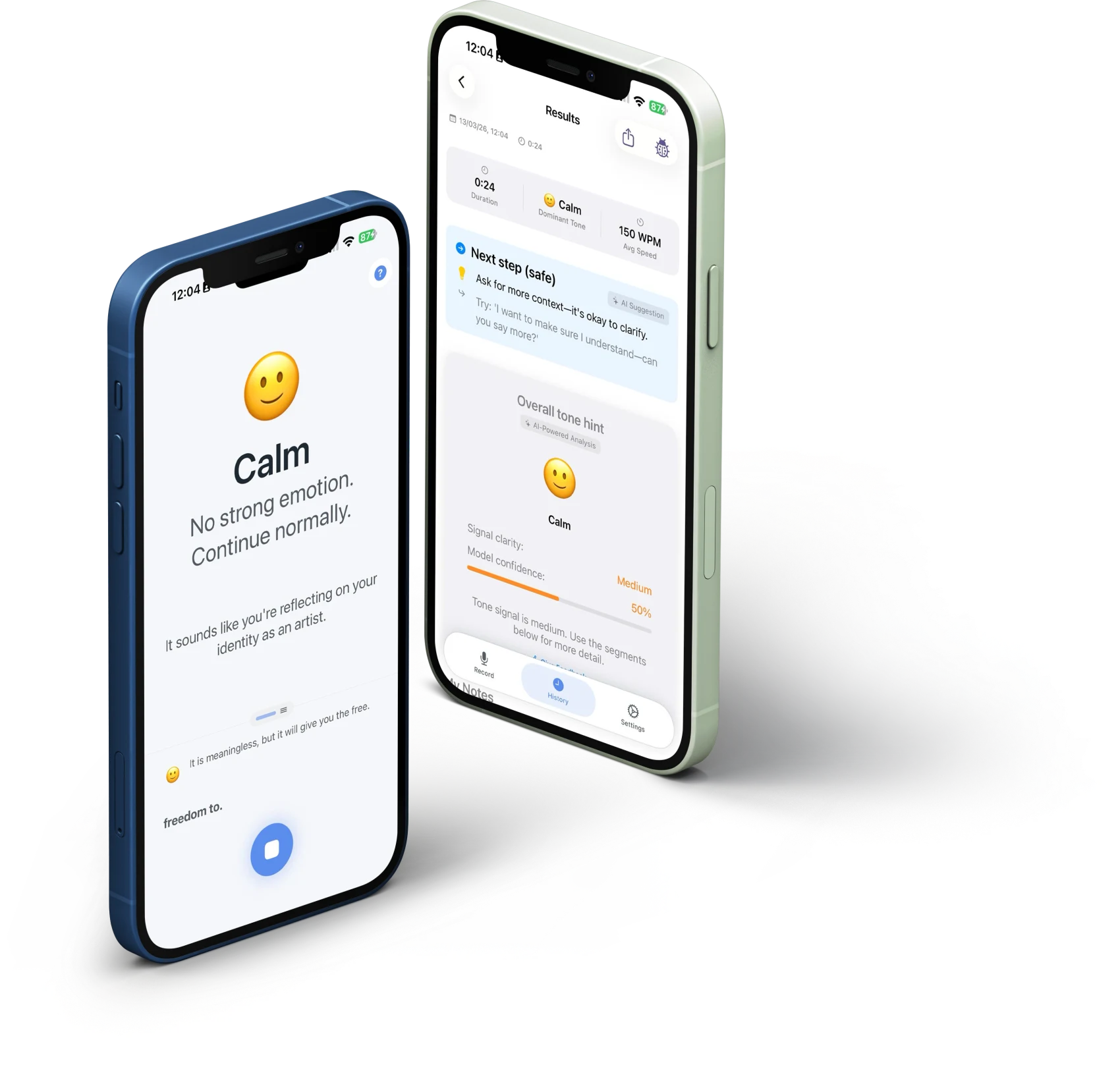
Every section of the experience is built to reduce second-guessing: one cue at a time, clear confidence, and language that stays calm instead of overclaiming.
Why this matters
Progress starts when
tone becomes easier
to read.
Tone2Emoji is designed to give simple emotional context without overclaiming certainty or asking you to decode tone alone.
Live confidence
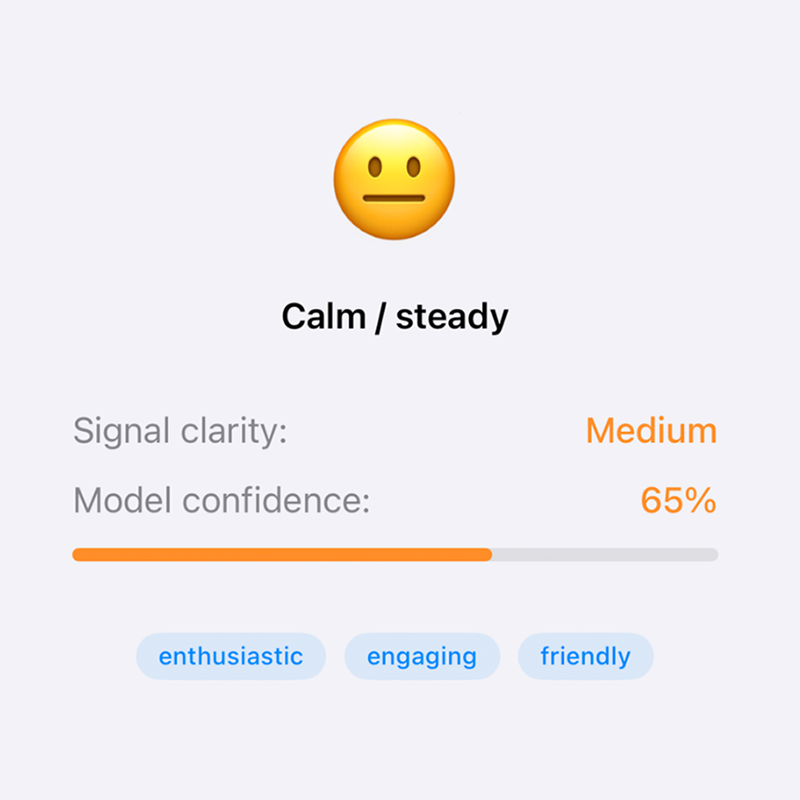
96% of the experience is clarity, not guesswork.
The real-time reading changes everything. I don't have to replay the conversation in my head — I can see the tone while it's happening.
A. Noor
How it works
A calmer flow from
recording to response.
The app is structured to stay legible under pressure: start quickly, read the cue, then decide what to do next.
Press record
Tone2Emoji works with live conversations, personal reflections or self-assessments, and even your favourite shows.
Read the cue
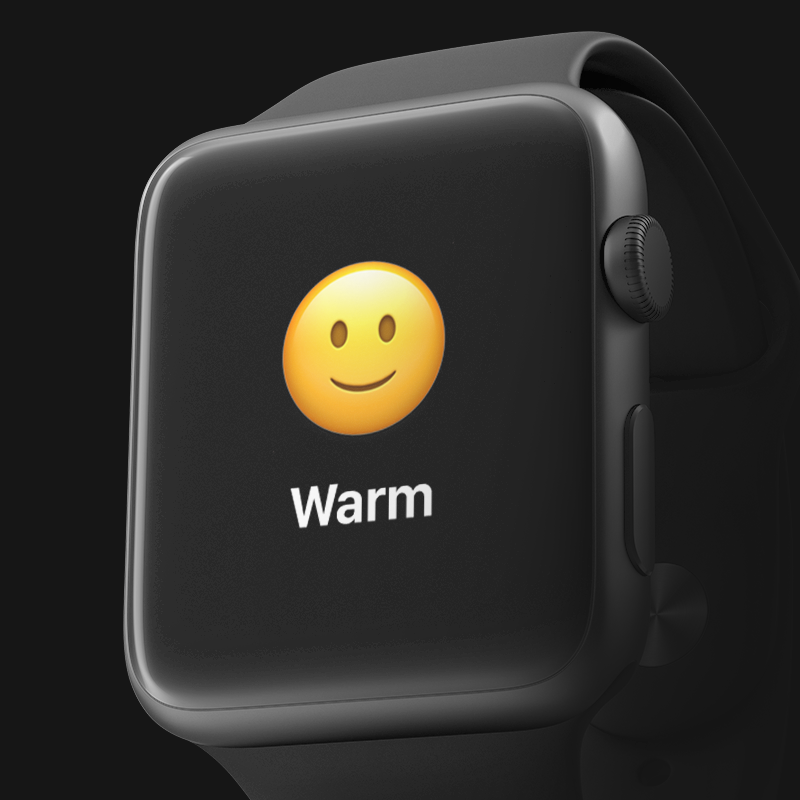
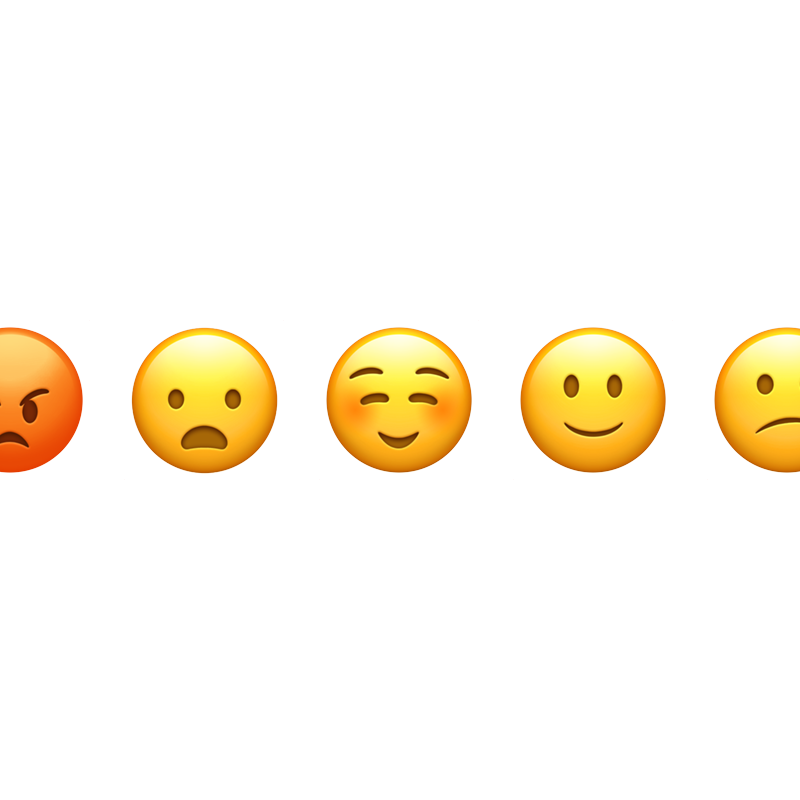
The app listens live and translates tone into easy-to-understand emojis, with confidence shown when uncertainty matters.
Decide your next step
Pitch, pace, rhythm, and vocal energy help surface what tone is communicating, while settings let you adapt the experience to your needs.
Core promise
Cues you'll trust.
Clarity you'll actually use.
Tone2Emoji gives you simple, non-judgmental emotional cues when tone is confusing, so you can move through conversations with more confidence.
Trust and control
Why it feels
safe
Built for real moments
Communication support built
for the moments words miss.
Words can be neutral, but tone rarely is. Tone2Emoji analyses pitch, pace, rhythm, and vocal energy to surface the emotional meaning beyond what is being said.